1181 단어정렬
1분
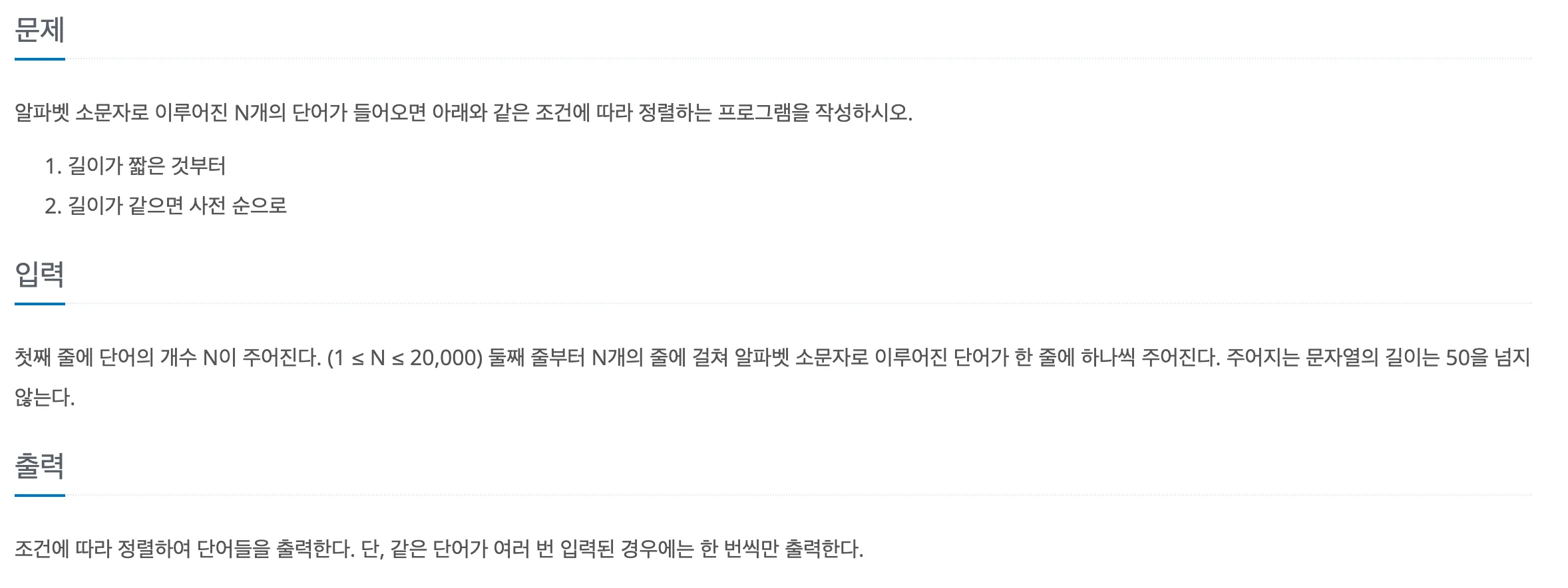
//test.txt
13
but
i
wont
hesitate
no
more
no
more
it
cannot
wait
im
yours
sol1
let [n,...input] = require('fs').readFileSync('test.txt').toString().trim().split('\n');
let arr = input.sort((a,b) => a.length-b.length || a.localeCompare(b)).filter((el,i) => input.indexOf(el) === i);
for(let i=0;i<arr.length;i++) {
  console.log(arr[i])
}
// i
// im
// it
// no
// but
// more
// wait
// wont
// yours
// cannot
// hesitate
sort()를 사용해서 정렬하는 건 어렵지 않았는데, 길이가 같으면 사전 순으로 다시 정렬을 해줘야 하는 게 어려웠다. 해서 찾아낸 방법이 localeCompare() 메서드를 사용하는 것이다. 처음 알게 된 메서드인데 지정된 문자열이 참조된 문자열보다 앞, 뒤, 동일한지 숫자로 반환해주기 때문에 sort() 메서드에서 사용하기 딱 좋았다.
let a = 'babc'
let b = 'abcd'
console.log(a.localeCompare(b)) // 1

let a = 'abc'
let b = 'abcd'
console.log(a.localeCompare(b)) // -1

let a = 'abc'
let b = 'abc'
console.log(a.localeCompare(b)) // 0
모질라에서도 sort()에서 localeCompare()를 사용한 예제를 볼 수 있다.
let items = ['réservé', 'Premier', 'Cliché', 'communiqué', 'café', 'Adieu'];
items.sort( (a, b) => a.localeCompare(b, 'fr', {ignorePunctuation: true}));
// ['Adieu', 'café', 'Cliché', 'communiqué', 'Premier', 'réservé']
출처 : https://developer.mozilla.org/ko/docs/Web/JavaScript/Reference/Global_Objects/String/localeCompare
sol2
let [n,...input] = require('fs').readFileSync('test.txt').toString().trim().split('\n');

input.sort((a,b) => a.length-b.length || a.localeCompare(b));
let set = new Set(input);
console.log(Array.from(set).join("\n"));
첫번째 풀이는 중복을 없애기 위해 filter() 메서드를 사용했지만 Set에 담아서 중복을 제거한 후 다시 배열에 담아 출력할 수도 있다.